Ressursadministration i Altinn Studio
Getting started with resource administration
Sign the agreement
Create user and organization
To get access to Resource Administration in Altinn Studio you must have a user account.
See this guide
Add members to resource administration team
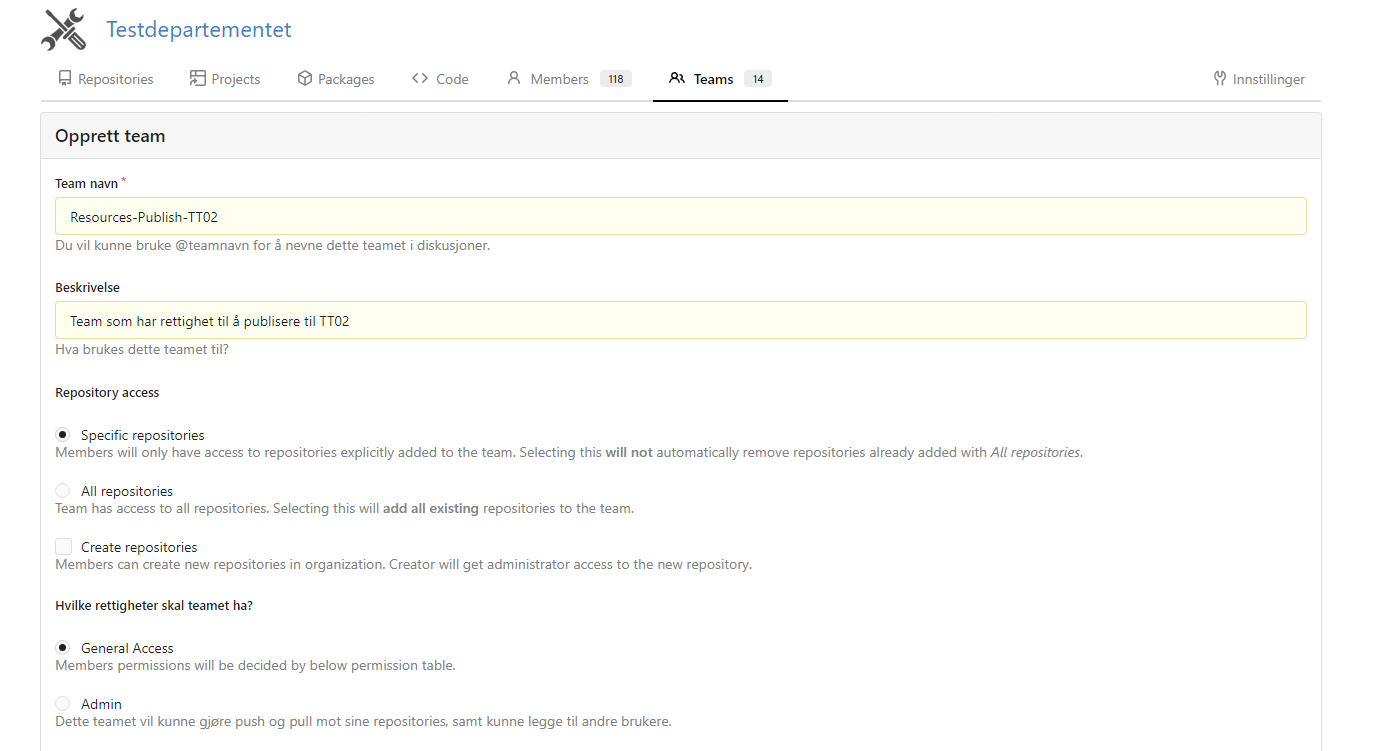
Add the users who should be able to publish resources as members in the following teams for your organization:
- Resources: Provides access to create and modify resources.
- Resources-Publish-PROD: Provides access to publish resources to the production environment.
- Resources-Publish-TT02: Provides access to publish resources to the TT02 test environment.
Teams can be added from the organization page in the Gitea section of Altinn Studio.
Create a resource
Create access lists (optional)
By default, anyone who has a role or an access list that meets the requirements for a service will have access to that service. If there is a need to restrict access to specific organizations, you can use access lists. This is the same functionality that in Altinn 2 was called the Service Rights Register (SRR).
Define teams for Access Lists
Add the users who should be able to manage access lists as members in the following teams for your organization:
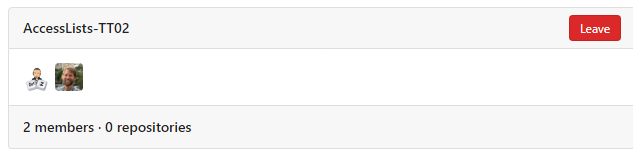
- AccessLists-TT02: Manages access lists in the TT02 test environment.
- AccessLists-PROD: Manages access lists in the production environment.
Members of these teams can manage access lists in their respective environments.
Under Guides you can read how to define reusable access lists across services.