

Delete System Access
This guide shows how to delete a system access.
Deleting a System Access
To delete a system access, you must be able to manage authorizations for the organization. For example, you can do this as the general manager or with the administrator permission Access Management or Main Administrator. All authorizations linked to the system access are removed automatically. Deletion is currently only possible in the Altinn portal.
How to Delete a System Access
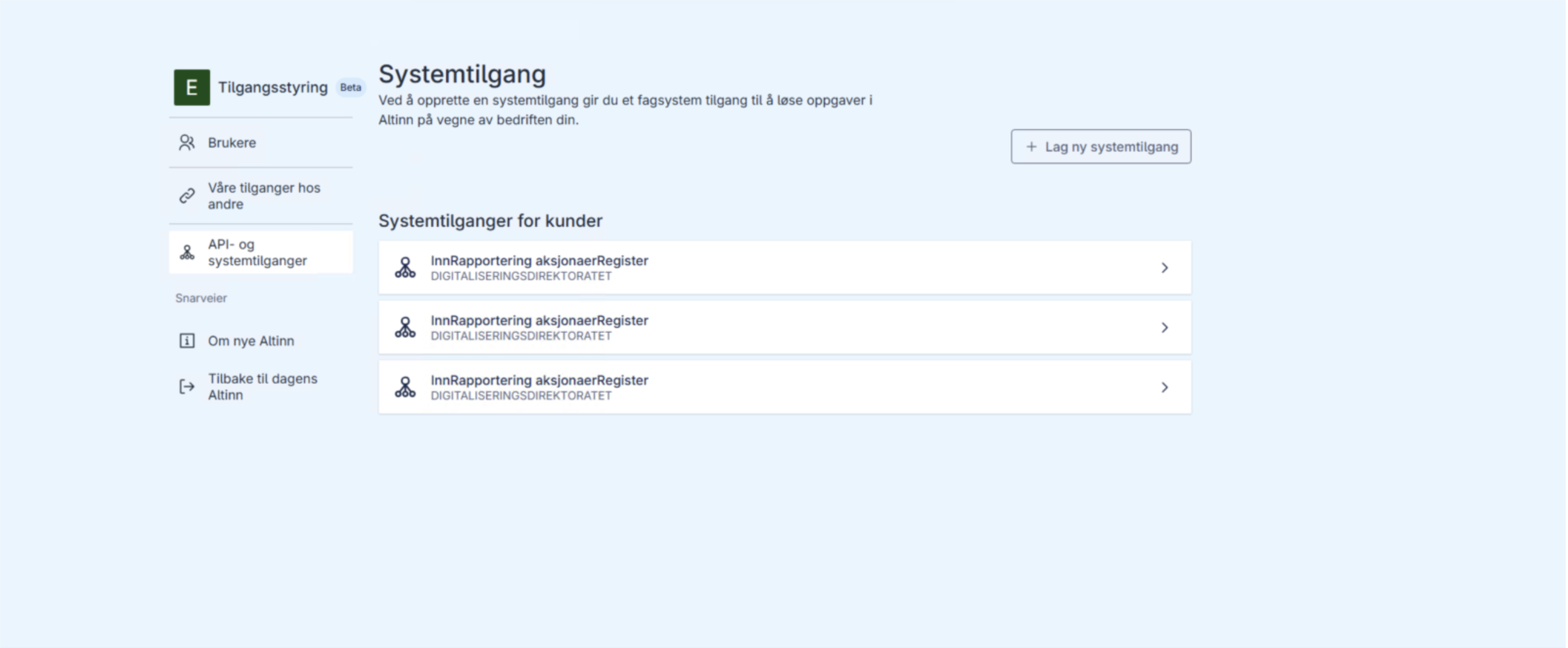
Log in to the Altinn portal and open the overview of system accesses.
Find and click on the system access to be deleted.
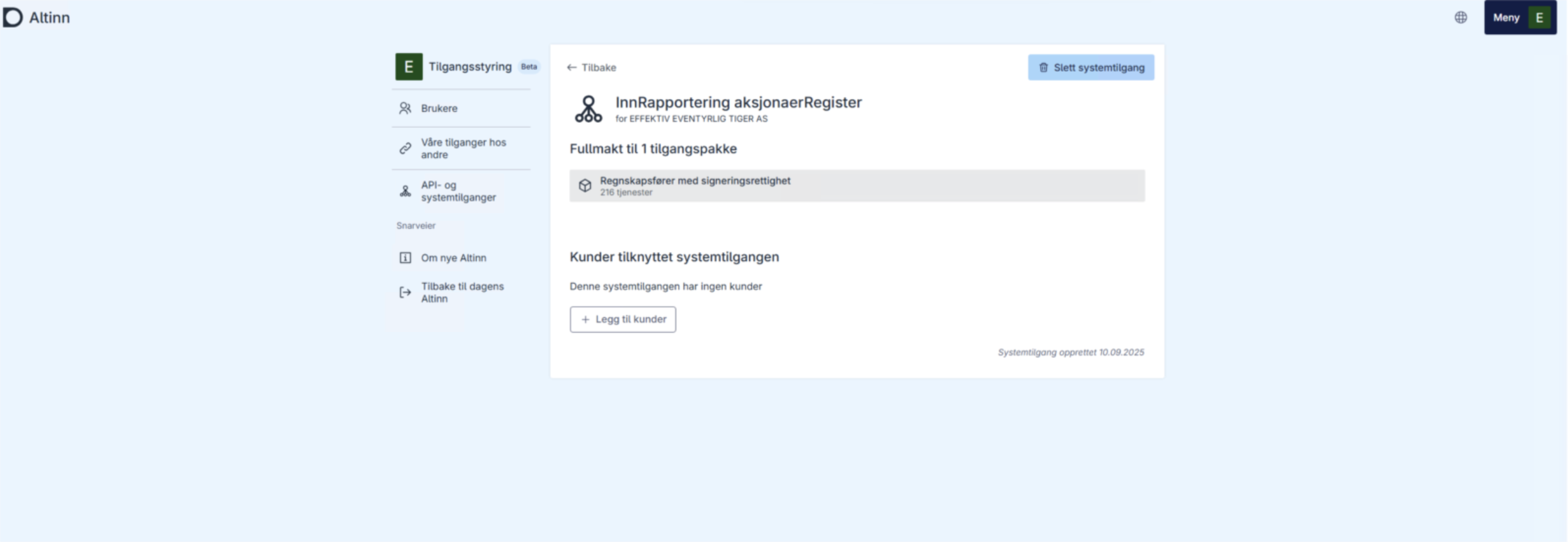
Click Delete system access.
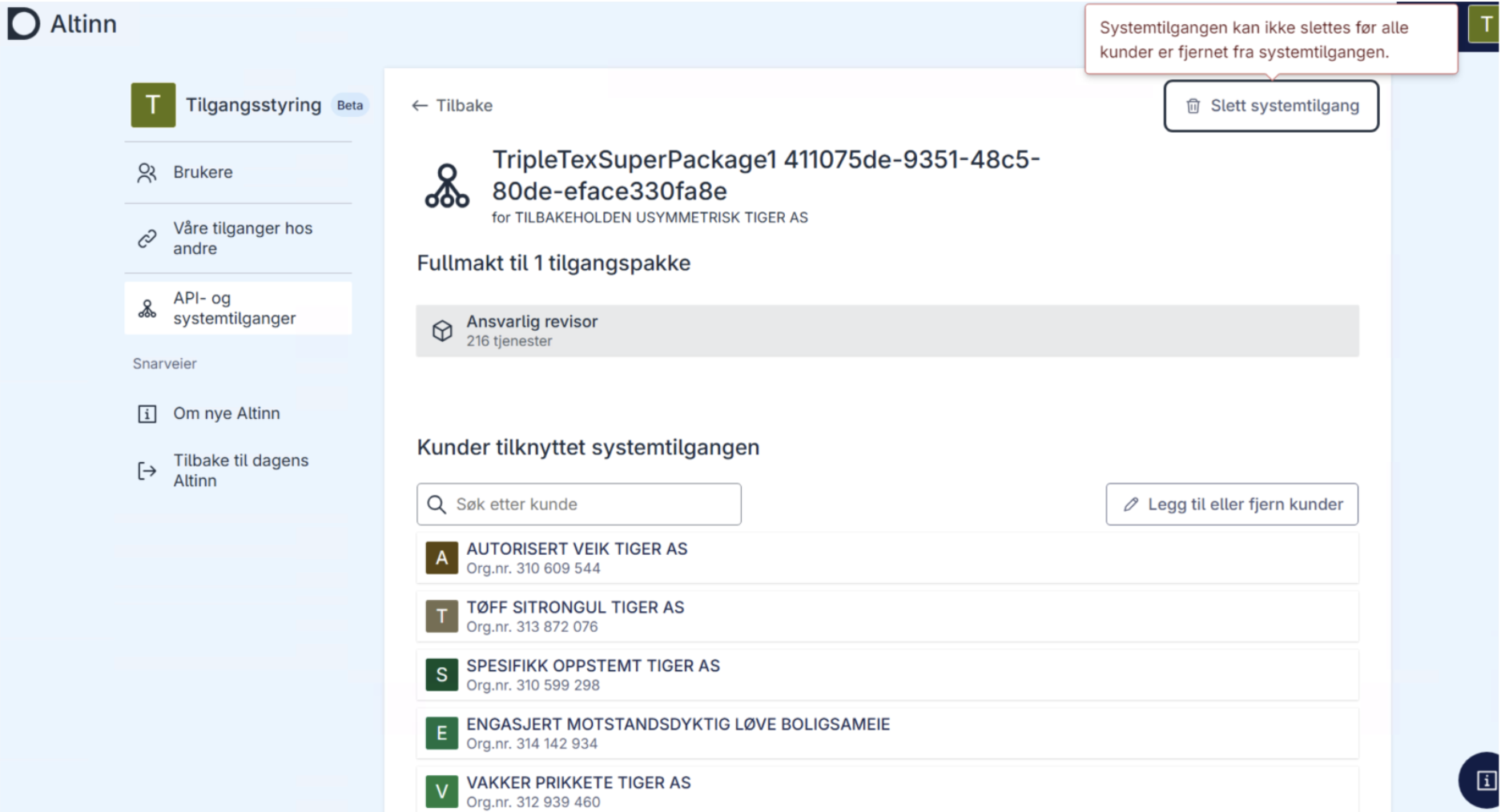
Note: Clients assigned to the system access are also removed when the system access is deleted.