

Creating and publishing resources in Altinn Studio
How to create and publish resources in Resource Administration in Altinn Studio
In Altinn Studio Resource Administration, you can create resources to use as a basis for access control for services outside the Altinn platform.
Prerequisites
You need to have access to resource administration for your organisation. See the getting started guide.
Step 1: Create resource
Log in to Altinn Studio and go to Resource Administration for your organisation:
https://altinn.studio/resourceadm/{orgcode}/{orgcode}-resources
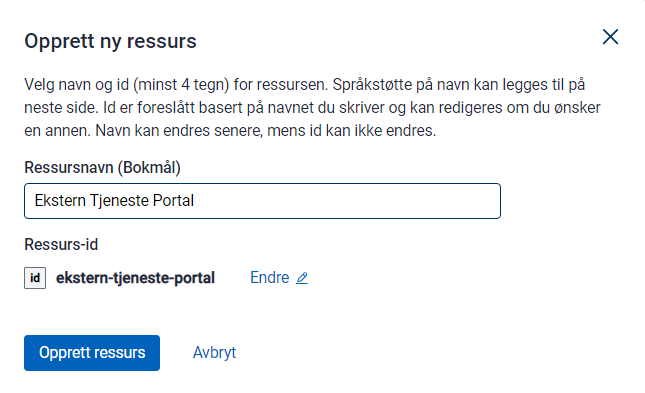
Click Create resource. Give the resource a unique ID — this is used in the Altinn API to check access. Then give the resource a name.
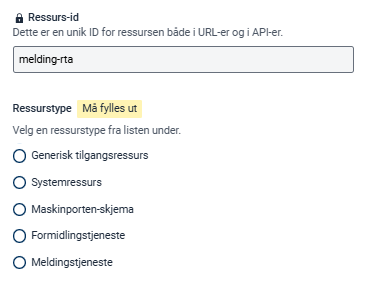
Resource type
For external resources, the type will be generic access resource.
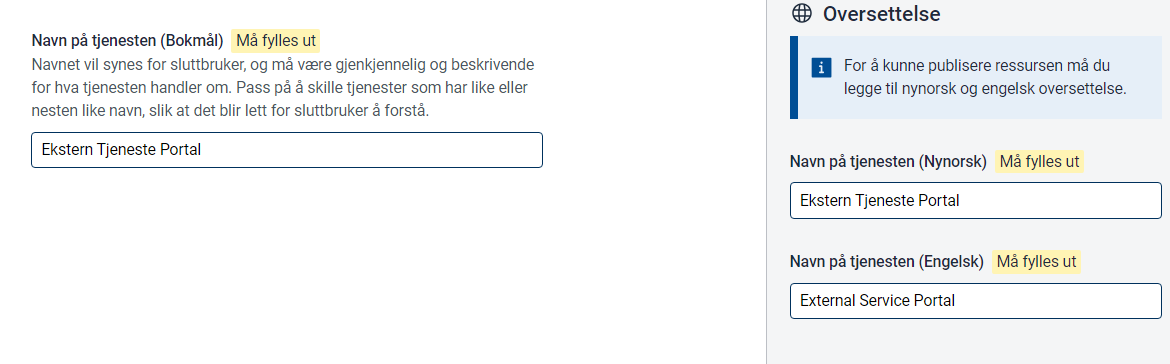
Title
The title is shown in access management and in service catalogues such as data.altinn.no.
You must define the title in Norwegian Bokmål, Norwegian Nynorsk and English.
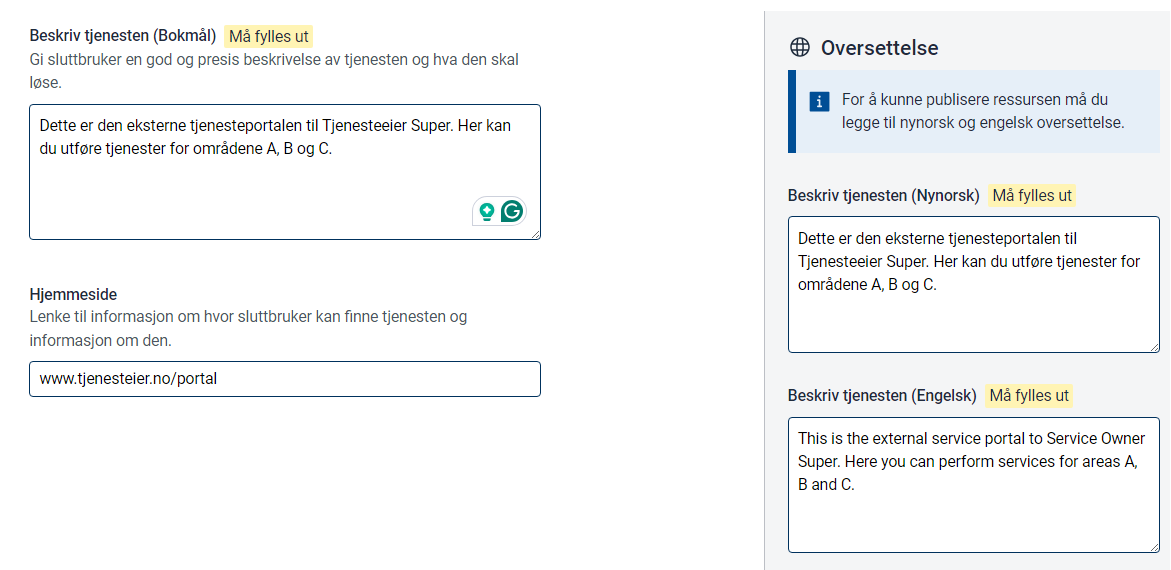
Description
The description is shown in access management and in service catalogues such as data.altinn.no.
You must define the description in Norwegian Bokmål, Norwegian Nynorsk and English.
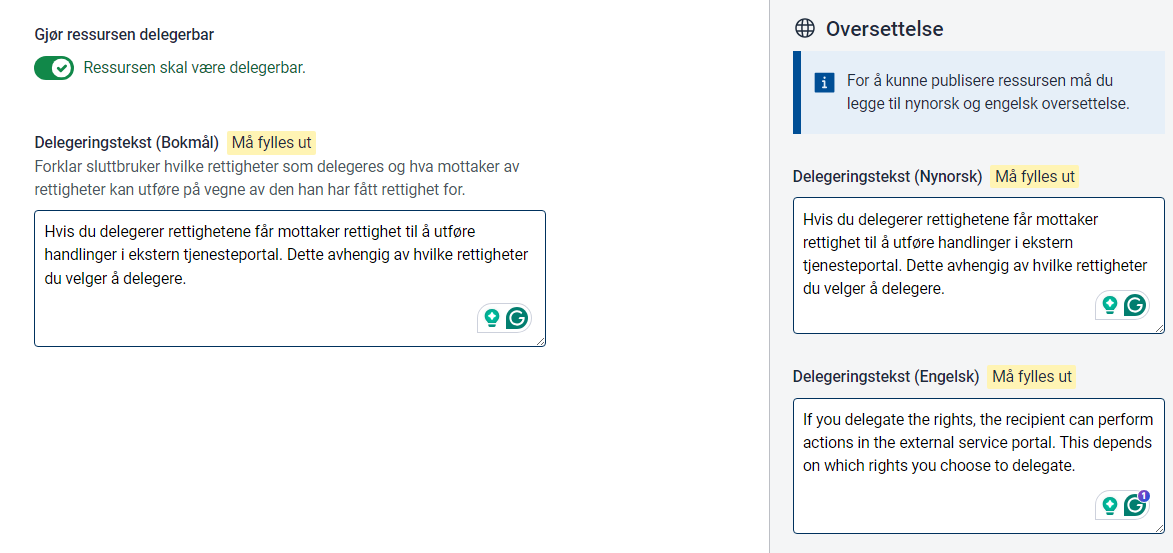
Delegation description
If the resource should be delegable, enable delegation and provide a delegation description in Norwegian Bokmål, Norwegian Nynorsk and English.
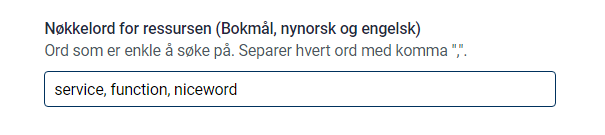
Keywords
Keywords can be used for filtering in service catalogues at a later stage.
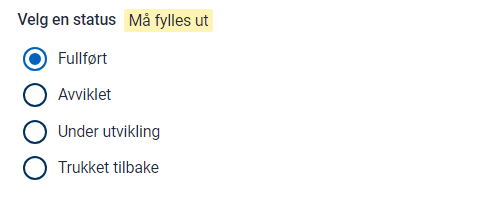
Status
The status of the service the resource points to.
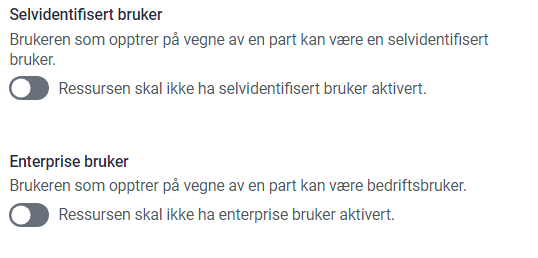
User types
Defines which types of users can access the resource. Currently used for information purposes only.
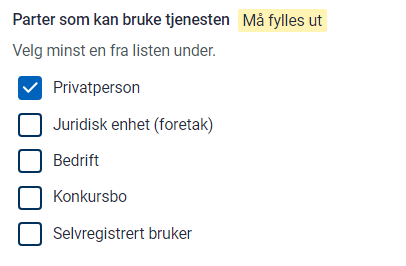
Party type
Defines what type of party the service is targeting. May be used for filtering in service catalogues at a later stage.
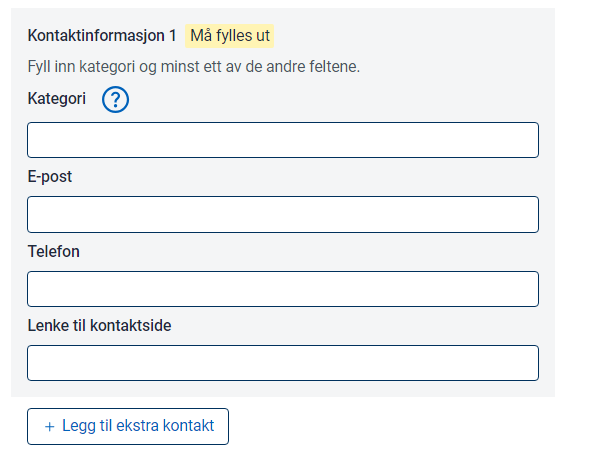
Contact information
Contact information for the service. May be shown in service catalogues at a later stage.
Create policy
Once the resource is created, you need to define the policy. The policy must contain at least one rule.
Each rule contains a resource, a subject and an action.
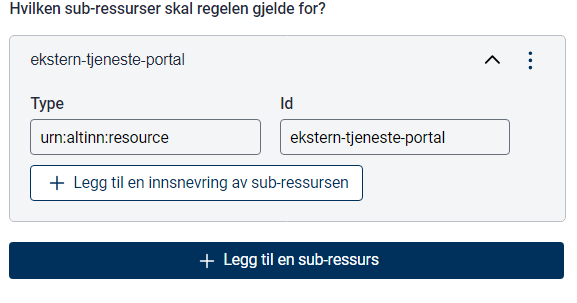
Resource
Define the resource for the rule.
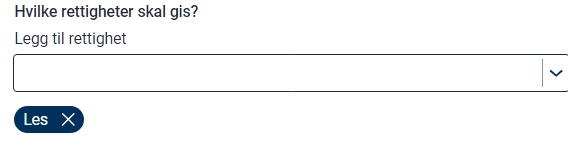
Action
Define the action for the rule.
Subject
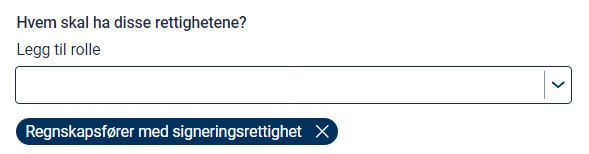
Define the subject for the rule. You can choose from ER roles, Altinn roles and access packages.
Read more about access packages and roles.
Publish
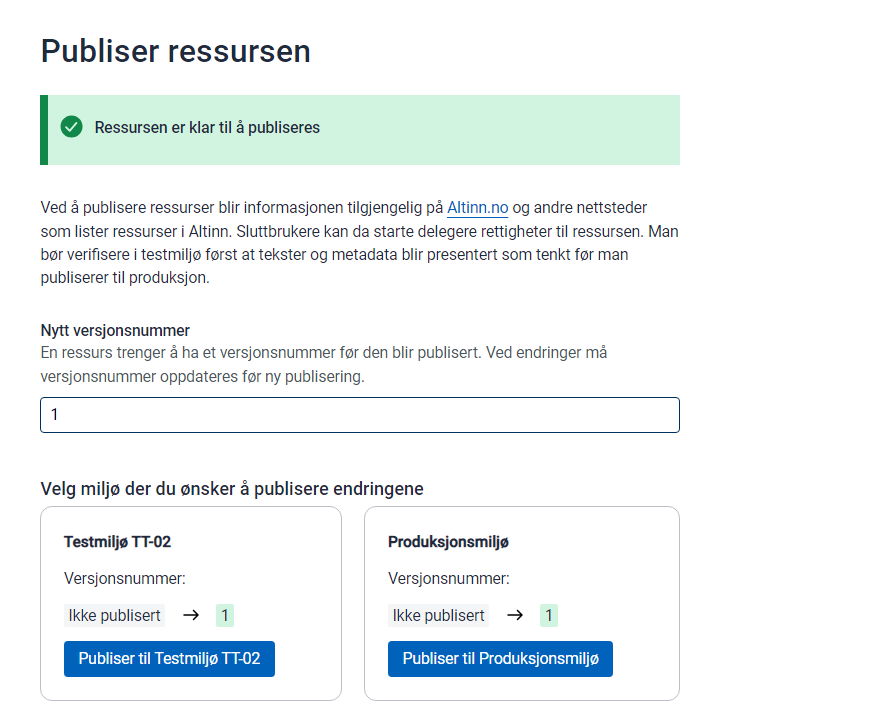
When you have finished configuring the resource and policy, you can publish. You must set a new version ID and commit the changes to the resource repository.
Permission to publish
To publish resources, you must be a member of the correct team in Gitea. These teams are set up by the administrator in your organisation. Teams for your organisation can be found at
https://altinn.studio/repos/org/{orgcode}/teams
The following teams grant access to publish resources:
- Resources-Publish-PROD: Permission to publish to production
- Resources-Publish-TT02: Permission to publish to TT02
Verify
Once published, the resource is available in the resource registry.
Example resource from this guide: https://platform.tt02.altinn.no/resourceregistry/api/v1/resource/ekstern-tjeneste-portal
Example policy from this guide: https://platform.tt02.altinn.no/resourceregistry/api/v1/resource/ekstern-tjeneste-portal/policy